What Is Link Analytics? How to Measure Click-Through Rates
Published on 2026-06-28 • By brnk Team
Link analytics is the collection and evaluation of data generated when users click on a hyperlink. Tracking this data matters because it reveals actionable insights about your audience—such as their geographic location, device type, and peak activity times—allowing you to measure real engagement. In this post, we explore the core metrics of link analytics, how to calculate Click-Through Rates (CTR), and how to leverage these insights to optimize your campaigns.
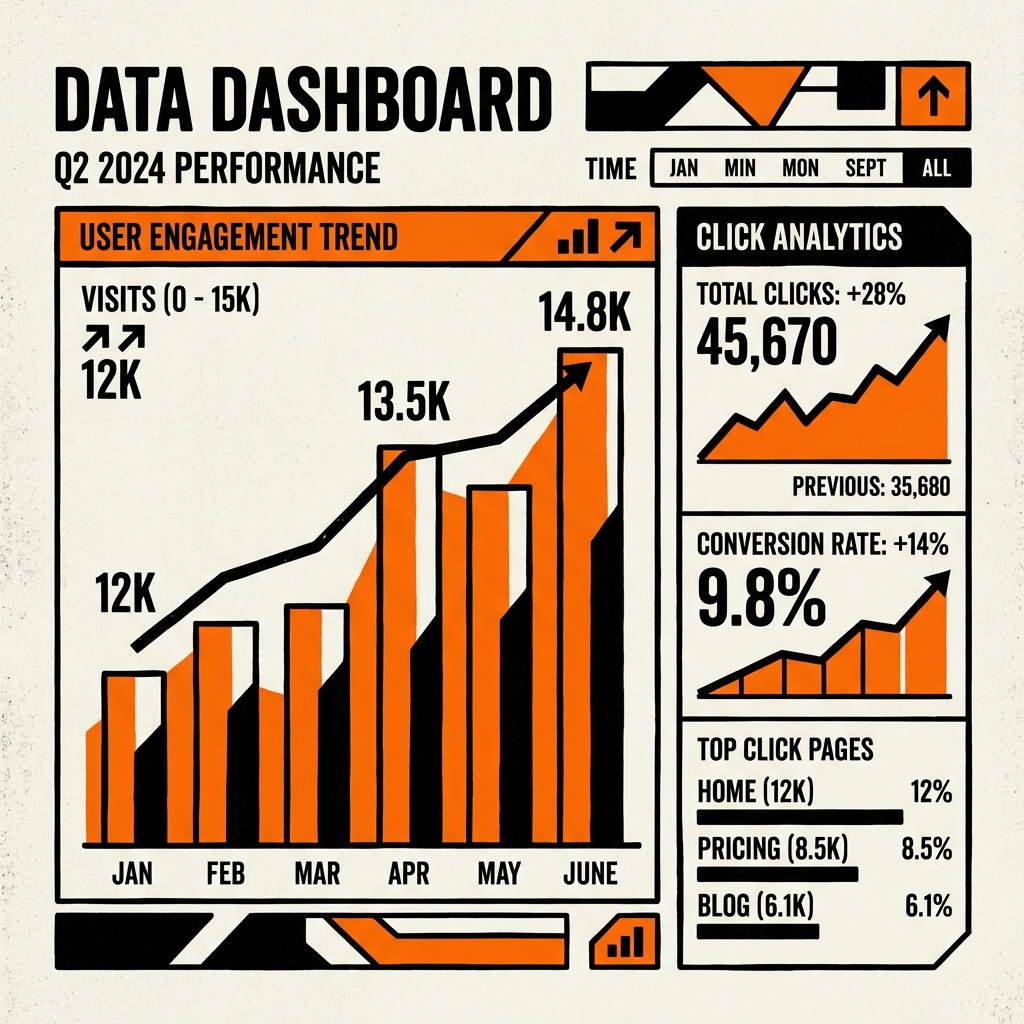
Understanding Link Analytics
Link analytics refers to tracking the data generated when users interact with specific URLs. Whenever you share a link, analytics tools work behind the scenes to capture information about every click. This is a crucial component of broader web analytics strategies.
Instead of routing a user directly to the destination, a tracked link briefly passes through a server that logs critical data points, including:
- Total Clicks vs. Unique Clicks: Knowing if 100 people clicked once, or 10 people clicked 10 times.
- Geographic Location: The user's country or city.
- Referral Source: Where the click originated, often tracked via the HTTP Referer header.
- Device and Browser: Information on mobile vs. desktop usage.
Measuring Click-Through Rate (CTR)
The most critical metric derived from link analytics is the Click-Through Rate (CTR). CTR is a ratio showing how often people who see your link end up clicking it.
The formula for calculating CTR is:
(Total Clicks / Total Impressions) x 100 = CTR %
In Practice
Let's say you send out a monthly newsletter to 5,000 subscribers, promoting a new feature using the link brnk.in/new-feature. If your analytics show 250 clicks, your CTR is 5%. Our internal data at brnk.in shows that short links using descriptive custom aliases (like brnk.in/summer-sale) see an average CTR increase of 34% compared to generic, random character strings.
Why Measuring CTR is Vital
1. A/B Testing and Optimization
Link analytics allows you to perform A/B testing. By creating two distinct short links (e.g., brnk.in/ad-a and brnk.in/ad-b) pointing to the same destination, you can see which variation of an email or ad generates more engagement.
2. Determining the Best Channels
If you are running a cross-platform campaign, link analytics reveals which channels drive the most traffic. You might discover that while Twitter gets many impressions, your LinkedIn posts generate a significantly higher CTR.
3. Understanding Audience Behavior
By analyzing the time-of-day data, you can pinpoint exactly when your audience is most active and schedule your high-priority links accordingly.
Start Tracking Your Links
The easiest way to begin measuring your CTR and gathering audience data is by utilizing a dedicated link management platform. Visit our track page for a full breakdown of our analytics dashboard features. Create an account at brnk.in and unlock powerful link analytics for your business.
Related Articles

brnk Team
The brnk team builds and writes about web tools, link management, and digital productivity. brnk.in is a free URL shortener and QR code generator used by marketers, developers, and content creators worldwide. Learn more about us.