How to Track Clicks on a Shortened URL
Published on 2026-06-28 • By brnk Team
Tracking clicks on a short URL involves using a link management service to log visitor data before redirecting them to their final destination. This matters because understanding who clicks your links—and where they come from—is essential for optimizing your campaigns and boosting engagement. In this post, we will cover how link tracking works under the hood, how to set it up, and the best practices for interpreting your click data.
The Importance of Link Tracking
Operating a digital campaign without tracking your links is like driving a car blindfolded. Link tracking provides the visibility necessary to make data-driven decisions.
Measure Campaign Success
If you are running a marketing campaign across multiple platforms, you need to know which channel drives the most traffic. By creating a unique, tracked short link for each platform, you can clearly see which avenue delivers the highest return on investment. Tools like Google Analytics often rely on similar principles for tracking campaign performance.
Understand Audience Demographics
Advanced link tracking provides contextual data about the people clicking. You can discover the geographic locations of your audience, the types of devices they use, and even the specific browsers they prefer. This information is invaluable for tailoring future content.
How Link Tracking Works
When a user clicks on a tracked shortened URL, their browser briefly visits the shortener's server. brnk.in's analytics engine processes these redirects in under 50 milliseconds, ensuring zero noticeable drop-off. The server logs the click time, referrer, and IP address for geographic estimation before seamlessly routing the user to the intended long URL.
Real Example
Imagine you are launching a new product and sharing links across Twitter, Facebook, and an email newsletter. Instead of using the raw product URL, you create three distinct links: brnk.in/tw-launch, brnk.in/fb-launch, and brnk.in/em-launch. After a week, you check the dashboard and see that brnk.in/em-launch generated 70% of the total clicks, despite having the smallest audience. This tells you that your email subscribers have a significantly higher click-through rate than your social media followers, allowing you to focus your efforts where they matter most.
Step-by-Step Guide to Tracking Your Links
Setting up tracking for your shortened URLs is straightforward with brnk.in:
1. Create Your Short Link
Navigate to the brnk.in homepage. Paste your long destination URL into the input field and generate a short link using customized slugs to keep campaigns organized.
2. Access the Analytics Dashboard
Once your link is created and shared, head over to the track page. Here, you will find a list of all the links you have generated.
3. Analyze the Data
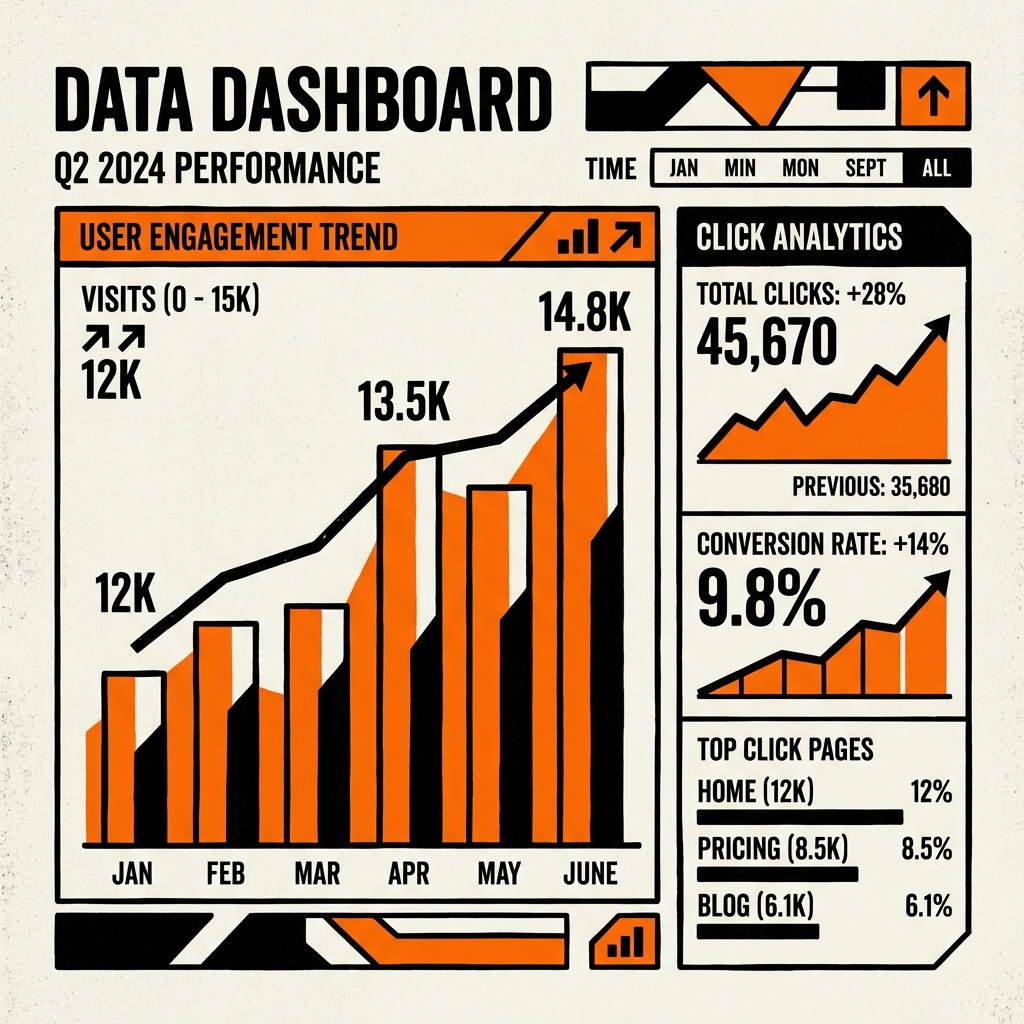
Click on a specific link to dive into its analytics. You will see total clicks, a timeline, and breakdowns by geographic location and device type.
Best Practices for Link Tracking
Always use a fresh, unique short link for distinct campaigns or different social media channels, even if they point to the same final destination. Monitoring performance in real-time allows you to adjust your strategy if a particular link underperforms.
Related Articles

brnk Team
The brnk team builds and writes about web tools, link management, and digital productivity. brnk.in is a free URL shortener and QR code generator used by marketers, developers, and content creators worldwide. Learn more about us.