What Is a Redirect? HTTP Redirects Explained Simply
Published on 2026-06-28 • By brnk Team
A redirect is an automatic process where a web server forwards your browser from a requested URL to a different, newly designated destination URL. This matters because the internet is a constantly shifting network; pages are moved, domains are changed, and content is frequently updated. Without redirects, users would constantly encounter frustrating "404 Not Found" errors when clicking outdated links, completely ruining the browsing experience and breaking SEO equity. This guide explains exactly how HTTP redirects work behind the scenes and why they are a fundamental part of keeping the web functional.
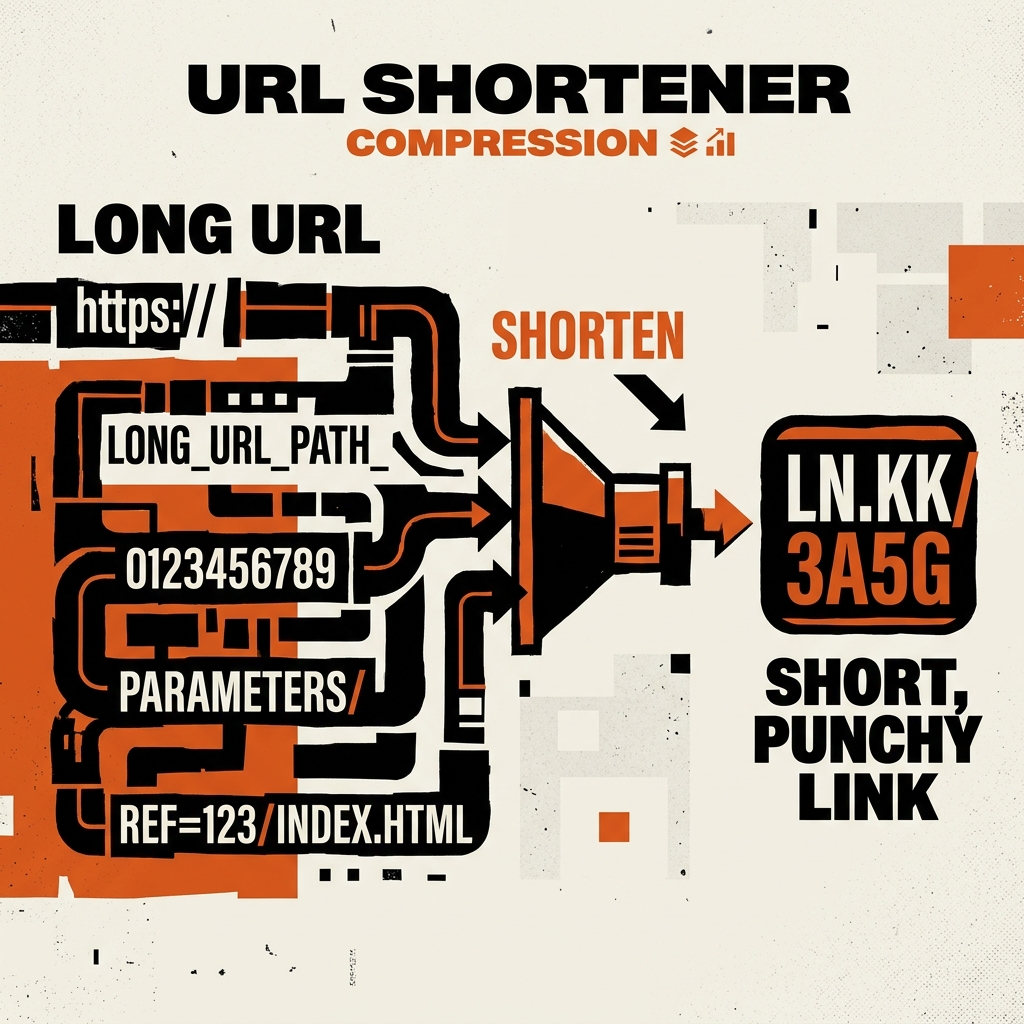
The Definition of a Redirect
At its core, a redirect is a way for a web server to say, "The page you are looking for is not here anymore, but I know where it went. Let me take you there." It is an automatic process that forwards a user (and search engine bots) from one URL to a different URL.
Imagine you move to a new apartment. If someone sends a letter to your old address, you don't want the post office to just throw it away. Instead, you set up mail forwarding. When the post office receives a letter for your old address, they cross it out, write your new address on the envelope, and send it to your new home. An HTTP redirect is the exact digital equivalent of mail forwarding for website traffic.
How Does a Redirect Actually Work?
When you click a link or type a URL into your browser, you are sending a request to a server. Usually, the server replies with a status code of "200 OK," meaning it found the file, and then it sends the HTML data for your browser to display the page.
When a redirect is in place, the conversation looks a bit different:
- The Request: Your browser sends a request for the original URL.
- The Server Response: The server checks its rules and sees that this page has been moved. It sends back an HTTP status code in the 3xx range. This code essentially tells the browser, "Stop. The file is not here. Look over there instead," and provides the new destination URL.
- The Forwarding: Your web browser instantly reads this new destination URL and automatically makes a second request.
- The Final Load: The server at the new address responds with a "200 OK" and serves the actual webpage.
Because computers communicate so quickly, this entire multi-step conversation usually happens in a matter of milliseconds. At brnk.in, our distributed edge nodes process these redirect handshakes in an average of 45 milliseconds, ensuring users never perceive a delay.
Why Are Redirects So Important?
Redirects serve several critical functions that keep the internet usable and protect the hard work of web developers and marketers:
- Preventing 404 Errors: Redirects ensure a seamless user experience by automatically routing traffic from outdated links to the relevant updated content.
- Preserving SEO Value: Search engines like Google assign value to web pages based on links. A permanent redirect tells the search engine to transfer the SEO value from the old URL to the new one. Check Google's indexing rules for best practices.
- Managing Multiple Domains: Companies buy variations of their domain name (like misspellings). They use redirects to send all that traffic to their primary .com website.
- Enabling URL Shorteners: Entire platforms are built on the concept of redirects. A URL shortener creates a brief, attractive link that simply acts as a fast redirect to a much longer destination URL.
In Practice: Fixing a Broken Link on Twitter
Imagine you posted a long link to your new blog post on Twitter, but you accidentally included an extra character at the end. Without a redirect, everyone who clicks gets a 404 error. If you had used a short link like brnk.in/new-post, you could simply log into your dashboard, update the destination URL behind the scenes, and instantly fix the routing. Everyone who clicks the short link moving forward is correctly redirected to the right page.
Experience Seamless Redirection
Redirects prevent broken links, preserve search engine rankings, and allow the web to evolve without leaving a trail of inaccessible content in its wake. Understanding how they function is the first step toward better website management and link strategy.
If you want to see the power of redirects in action, check out the homepage. Our infrastructure is built to handle instantaneous redirects, ensuring your users never experience lag.
Sign up at brnk.in today and start creating clean, perfectly redirected short links!
Related Articles

brnk Team
The brnk team builds and writes about web tools, link management, and digital productivity. brnk.in is a free URL shortener and QR code generator used by marketers, developers, and content creators worldwide. Learn more about us.