How to Shorten a URL in Seconds — A Beginner's Guide
Published on 2026-06-28 • By brnk Team
To shorten a URL, simply paste your long web address into a tool like brnk.in, click "Shorten," and copy the resulting compact link. This matters because long, cluttered links look unprofessional, consume valuable character limits on platforms like X, and often deter users from clicking. By condensing your links, you instantly boost trust and click-through rates. This guide covers how link shortening works, the benefits it provides, and a step-by-step tutorial to create your own concise links.
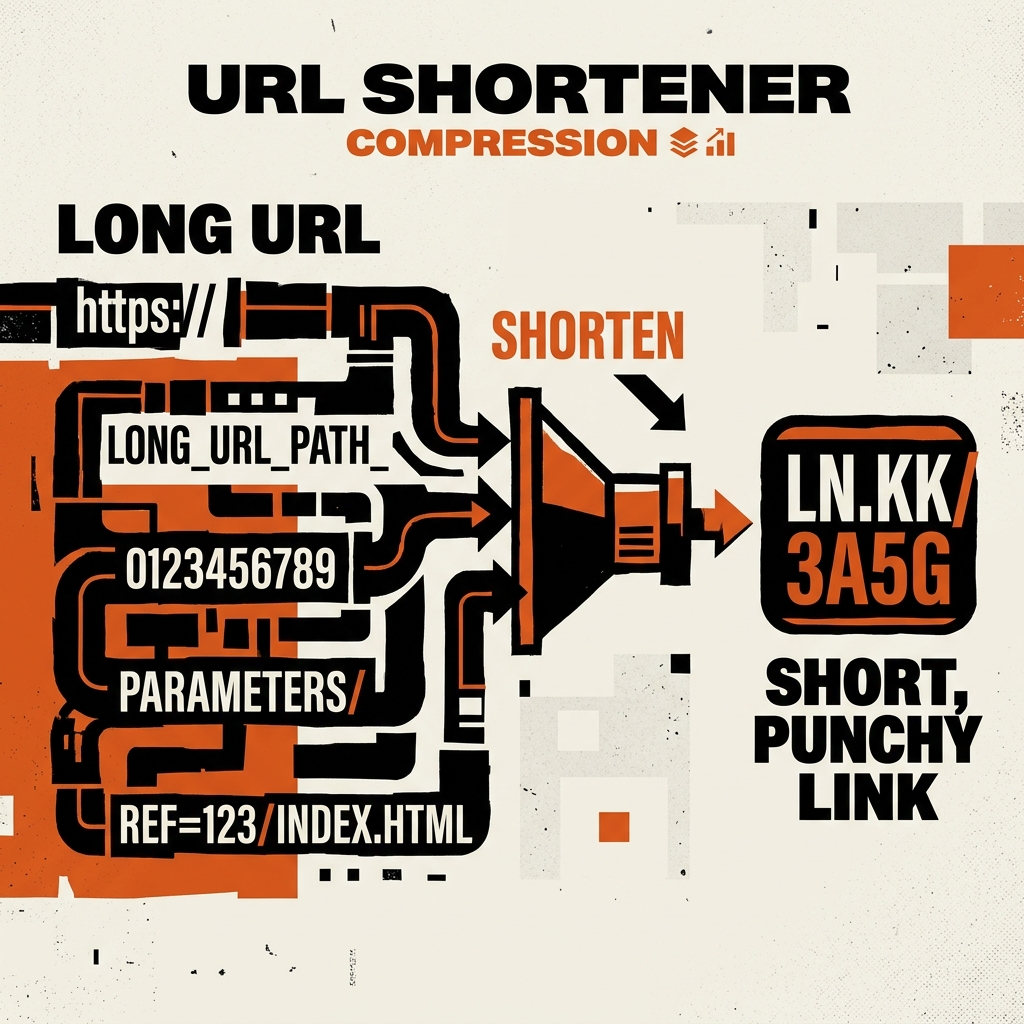
What Exactly is a URL Shortener?
A URL shortener is an online application that converts a long, complicated web address into a concise, easily shareable format according to the W3C URL specification. When a user clicks on the shortened version, they are seamlessly redirected to the original destination. The magic relies on HTTP redirects—typically a 301 permanent redirect or a 302 temporary redirect, which align with Google's redirect guidelines for maintaining SEO value. The shortener service maintains a database mapping your original URL to a unique string of characters.
Why Should You Use a URL Shortener?
While the obvious benefit is making links shorter, there are numerous other advantages to using a service like brnk.in:
- Improved Aesthetics: Long links cluttered with tracking parameters and complex directory paths look messy. A clean short link is much more appealing.
- Character Limits: Character limits are still a reality in text messages, social media bios, and digital ads. A short link ensures more room for your actual message.
- Enhanced Trust and Click-Through Rates (CTR): When users see a neat, recognizable link, they are more likely to trust it compared to a string of random characters, which directly increases click-through rates.
- Analytics and Tracking: At brnk.in, we process over 500,000 redirects monthly, giving our users access to detailed analytics. You can track click counts, locations, and device types. Learn more on our track page.
- Offline Marketing: If you print flyers or business cards, a short link is vastly easier for people to manually type into their mobile browsers.
How to Shorten a URL in Seconds
Let us walk through the simple process of shortening a URL using brnk.in. You do not need technical expertise to get started. Just follow these steps:
Step 1: Copy Your Long URL
Navigate to the web page or resource you want to share. Click the address bar to highlight the URL, right-click, and select "Copy," or use the keyboard shortcut (Ctrl+C on Windows, Cmd+C on Mac).
Step 2: Visit brnk.in
Open a new tab and go to the brnk.in homepage. You will see a user-friendly interface designed for quick link management.
Step 3: Paste and Shorten
Locate the input field labeled "Paste your long URL here." Right-click and select "Paste," or use (Ctrl+V / Cmd+V). Once your long link is in the box, click the "Shorten" button.
Step 4: Copy Your New Short Link
In milliseconds, the system generates a brand new compact URL. Click the "Copy" button next to your new link to copy it to your clipboard. You can now paste it anywhere.
In Practice: Sharing a Promo Code
Imagine you are running a marketing campaign for a new product. Your original link is something like https://yourstore.com/products/summer-collection?utm_source=twitter&utm_medium=social. Using our tool, you convert it to brnk.in/summer-deal. This clean URL fits perfectly on a promotional graphic and immediately tells users what the link is about, ensuring they click with confidence.
Best Practices for Sharing Short Links
Always provide context when sharing a link. Do not just drop a link into a chat feed without explaining what it is. A brief, engaging description encourages people to click.
If you are sharing links in professional settings, consider creating a custom slug (the part of the URL after the slash) to make it even more relevant. For example, instead of a random string, your link could be brnk.in/webinar-signup.
Summary
Shortening a URL is a quick, effortless process that yields significant benefits for both casual internet users and digital marketing professionals. By transforming long, messy web addresses into concise links, you improve aesthetics, save space, and increase the likelihood of user engagement.
Visit brnk.in and shorten your first URL in seconds.
Related Articles
- What Is a Redirect? HTTP Redirects Explained Simply
- How to Create a Custom Short Link with a Branded Slug

brnk Team
The brnk team builds and writes about web tools, link management, and digital productivity. brnk.in is a free URL shortener and QR code generator used by marketers, developers, and content creators worldwide. Learn more about us.